
Add Bookdshop as a manager of your Google Business Profile.

  1. Navigate to   https://business.google.com   and click Sign In on the top right
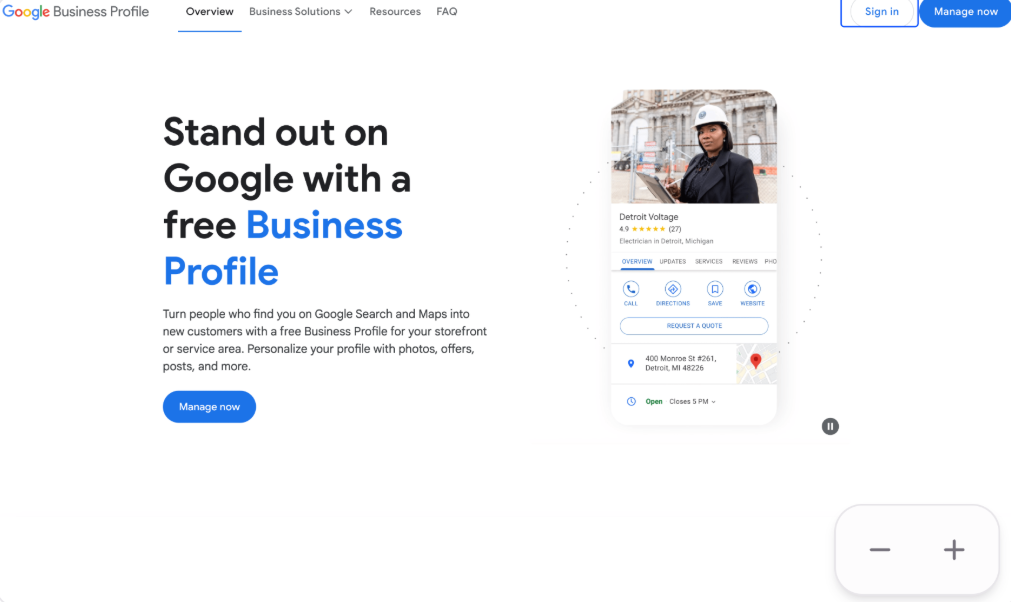
    Screenshot showing Google Business sign in page
  2. Sign in with your email address/phone number and password
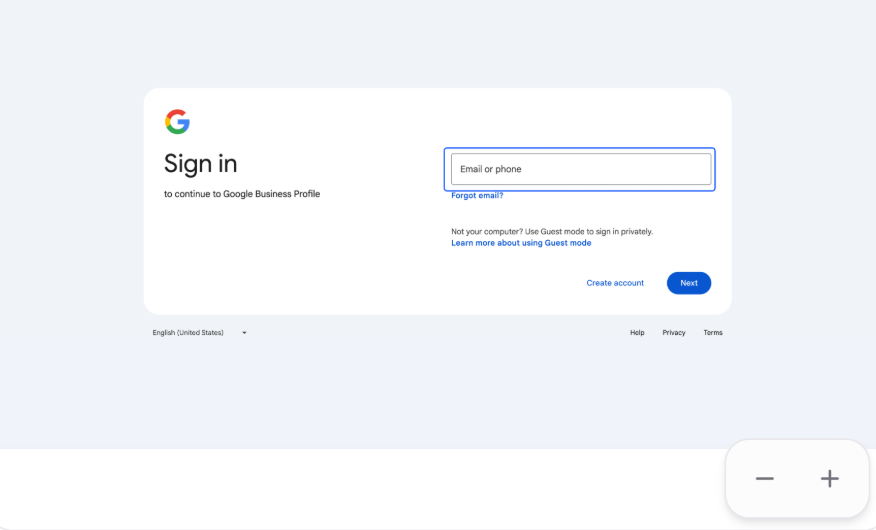
    Screenshot showing Google sign in form
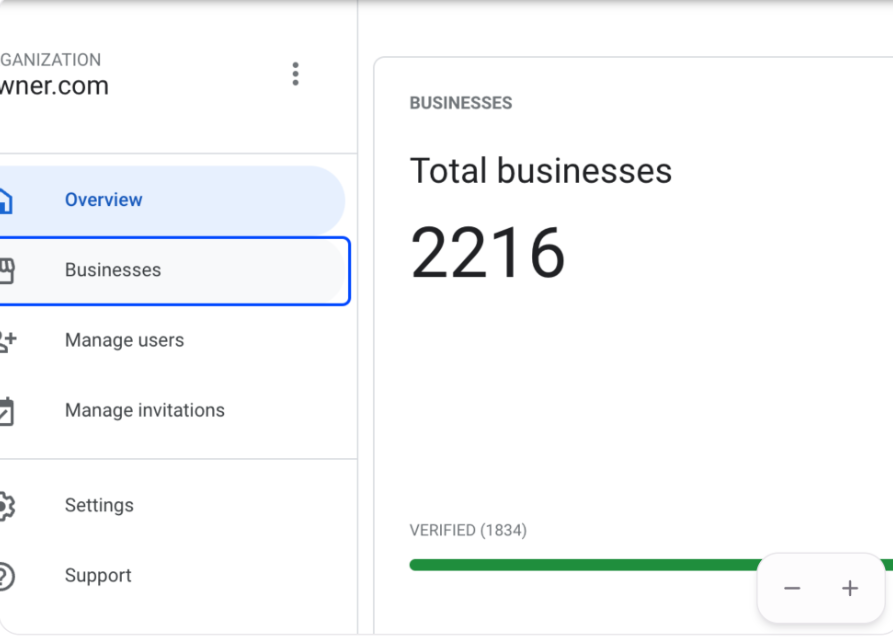
  3. Click on Businesses

    Screenshot showing Businesses menu option
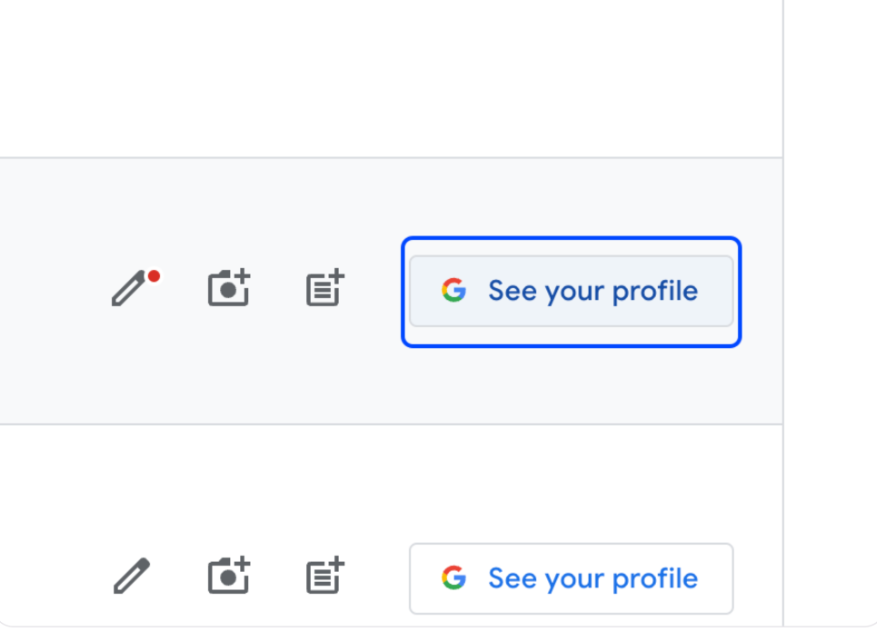
  4. Click on See your profile

    Screenshot showing See your profile button
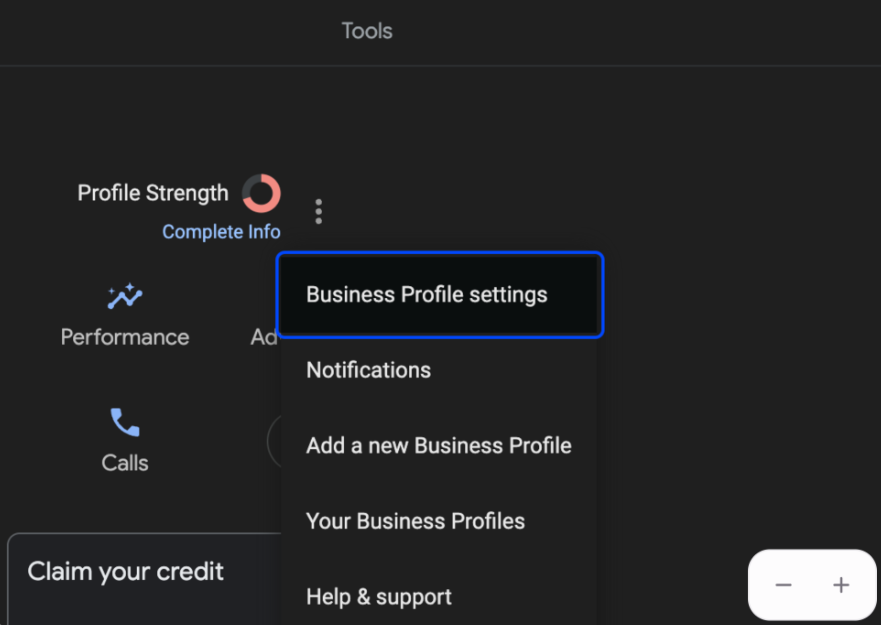
  5. Click the three vertical dots next to Profile Strength
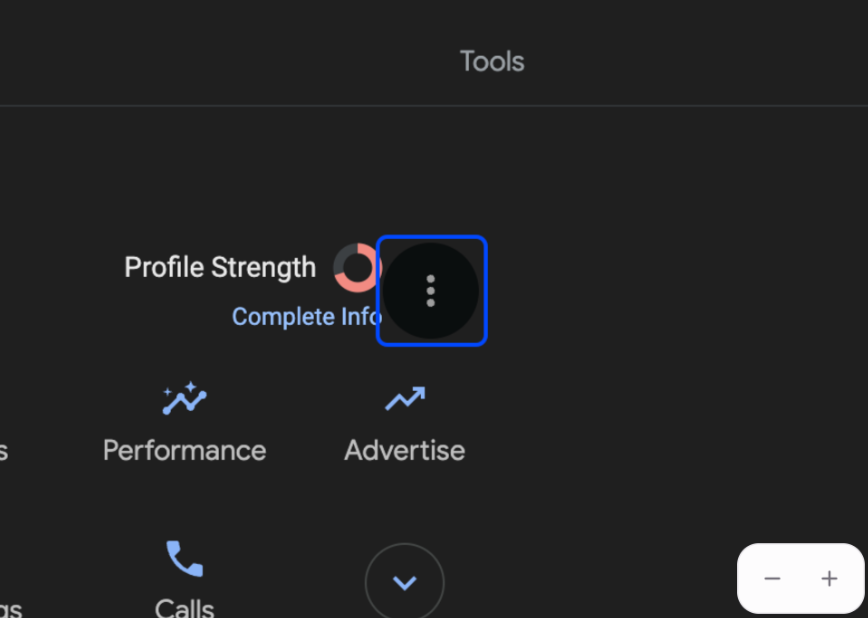
    Screenshot showing three vertical dots menu
  6. Click on Business Profile settings

    Screenshot showing Business Profile settings option

That's it! You'll now have successfully added Bookdshop as a manager of your Google Business Profile.

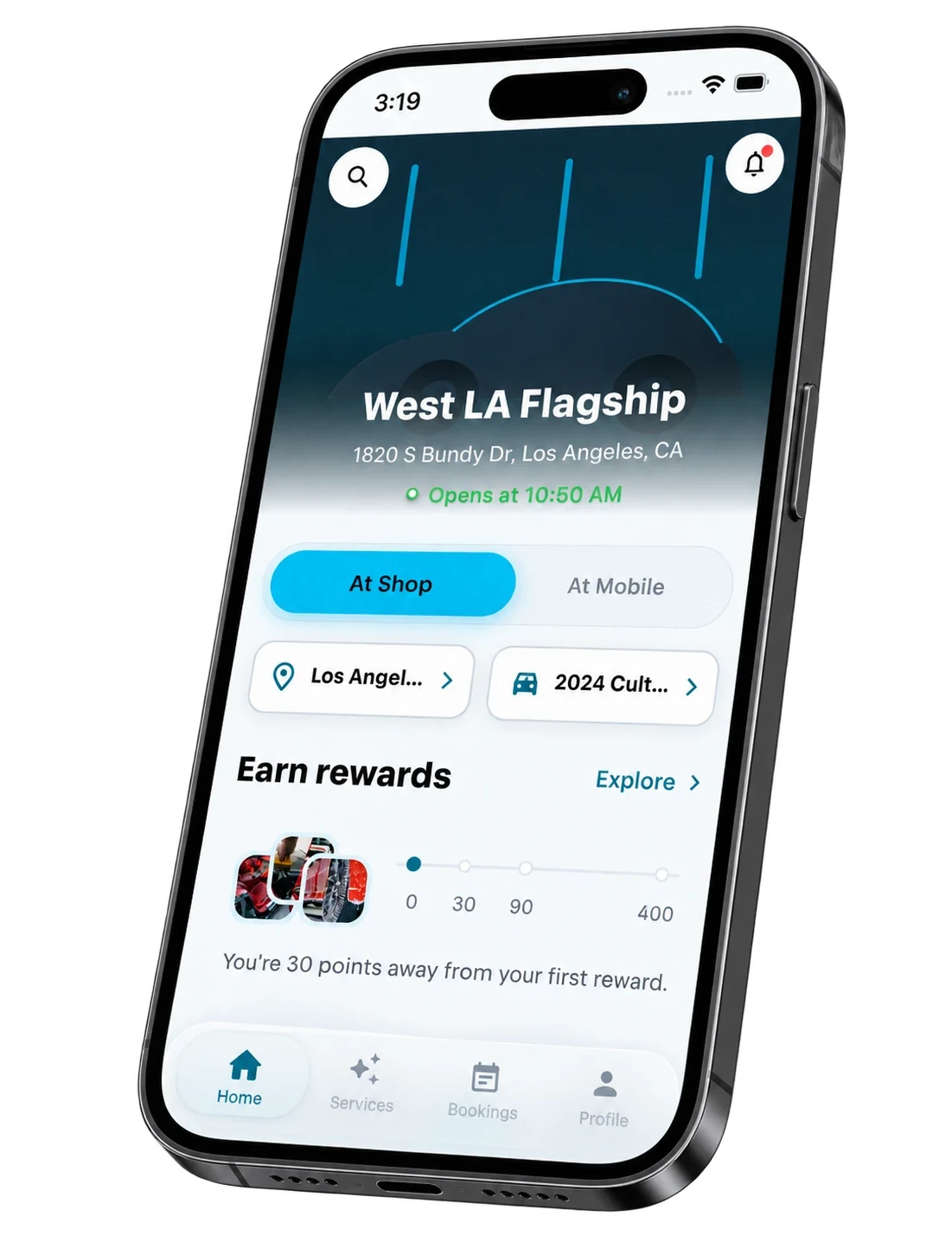
Bookdshop app

The easiest way to grow
your Car Detailing online.